

Latest Version
Best Game Studio
Security
Windows
Free
9n0v973zlpt0
Report a Problem
More About Media Locker - Hide Pictures and Videos
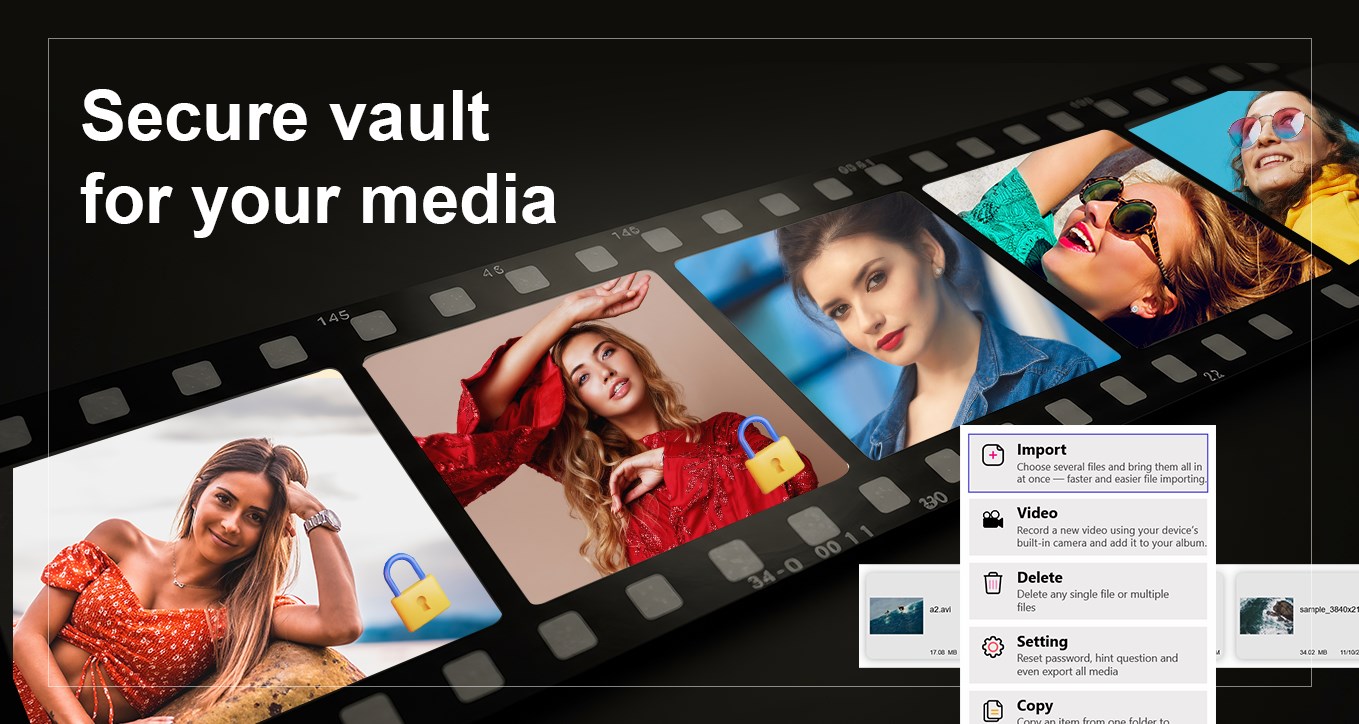
A Secure Vault for Your Private Media
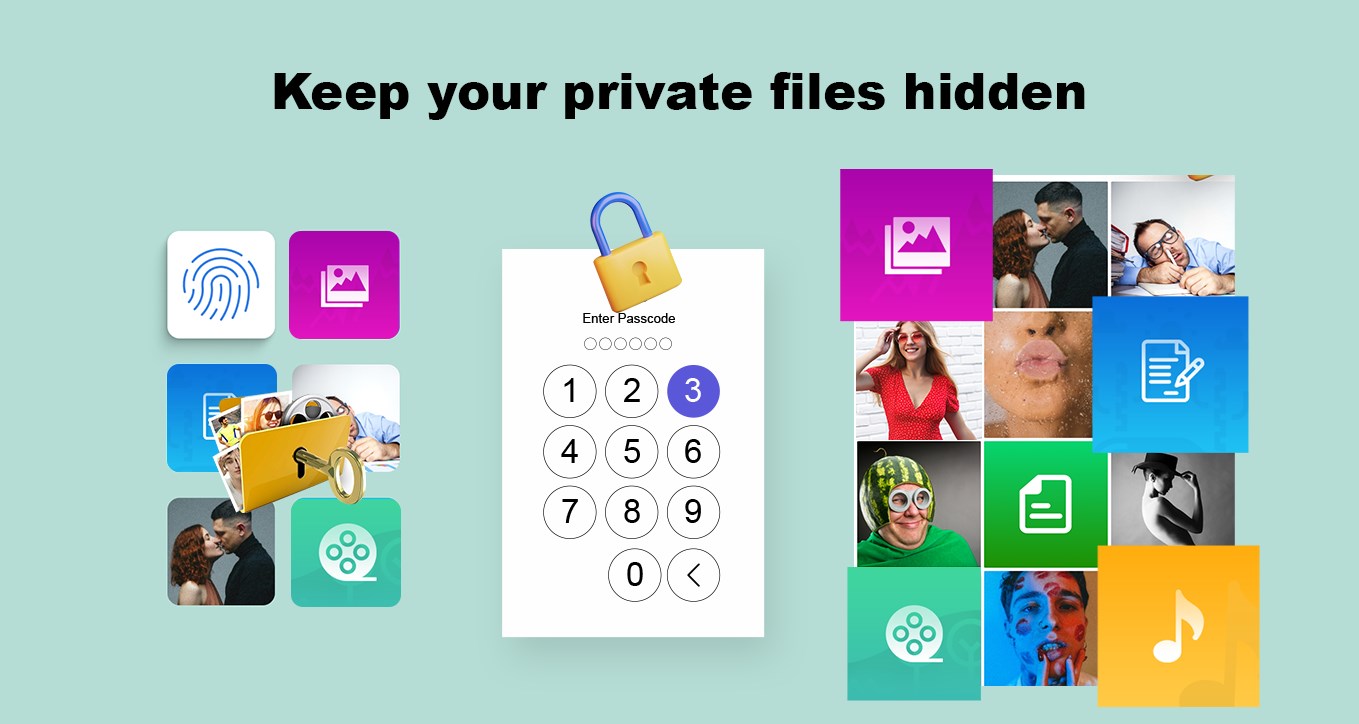
In an era where digital privacy is paramount, keeping sensitive personal files secure on your shared devices is a constant challenge. Media Locker - Hide Pictures and Videos addresses this concern by providing a secure, password-protected environment specifically designed for Windows users. Unlike basic system folders that can be easily browsed, this application acts as a digital safe, ensuring that your private media remains entirely invisible to unauthorized users.
Versatile Format Support Beyond Basic Images
While many privacy tools limit you to securing standard image files, Media Locker - Hide Pictures and Videos stands out by accommodating a broad spectrum of file extensions. Whether you need to shield family photos, confidential videos, or sensitive documentation, this utility handles them with ease. It supports:
- Visual Media: Standard photos, pictures, and video formats.
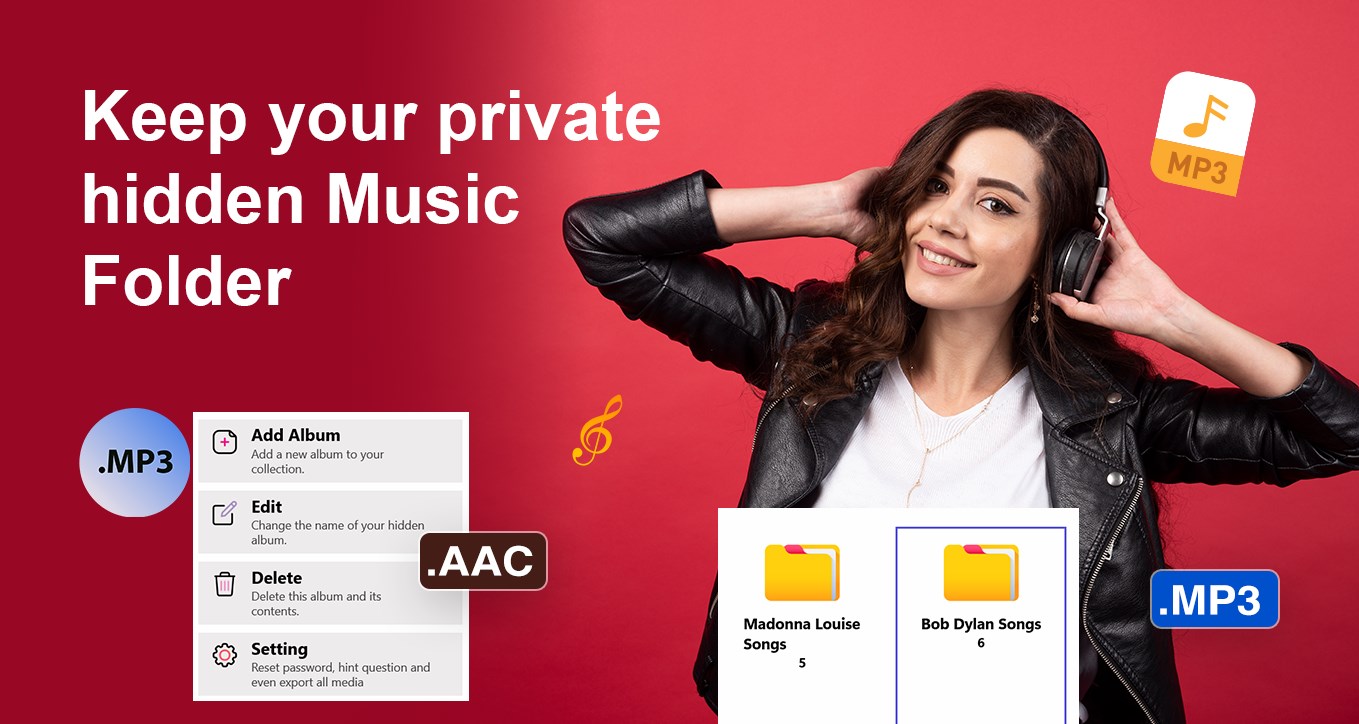
- Audio Files: Music and voice recordings.
- Document Formats: Text files (.txt) and presentations (.ppt).
- Compressed Archives: Encrypted containers like .rar files.
Key Security Features & User Experience
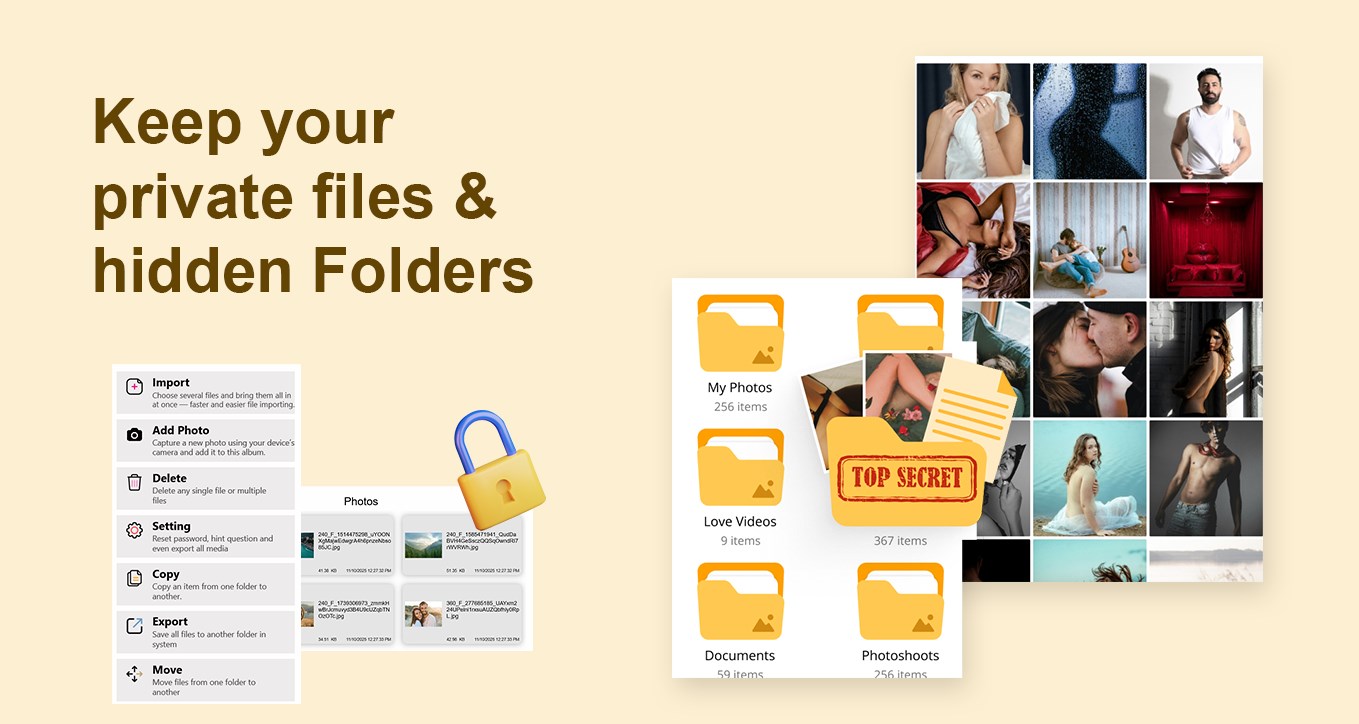
Developed by Best Game Studio, this security application focuses on simplicity and efficient protection. The user interface is designed to be highly intuitive, allowing you to import existing files from your local library or secure new captures instantly. Key highlights of the application include:
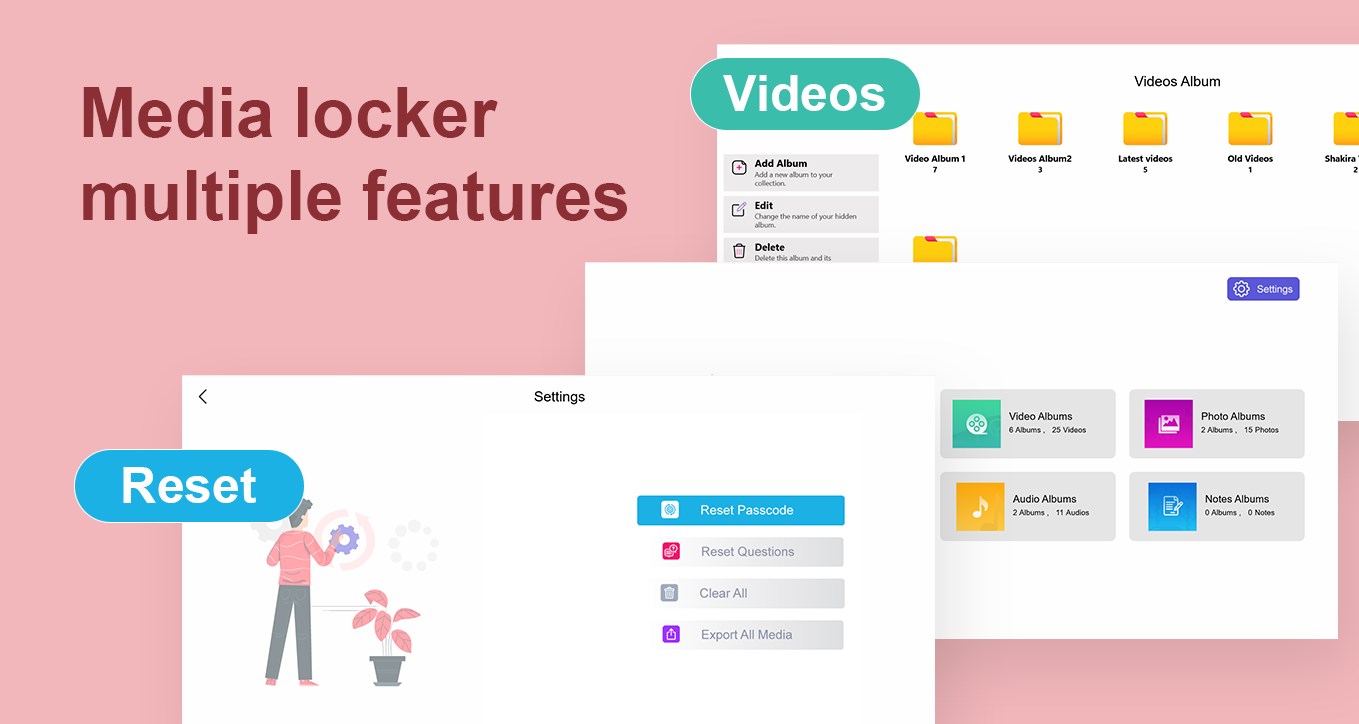
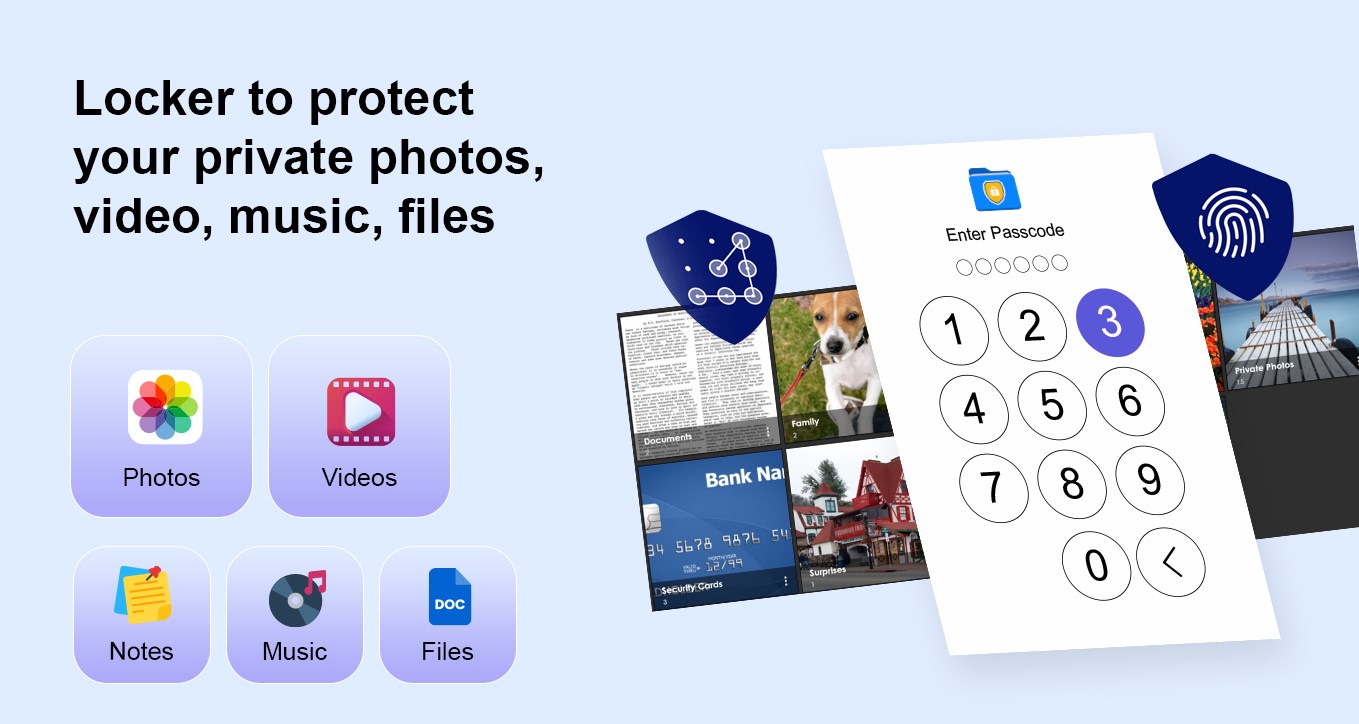
- PIN and Password Protection: A master password lock secures the entire application interface.
- Security Questions: Built-in recovery options using security questions in case you forget your master credentials.
- Advanced File Management: Seamless export options alongside copy, paste, and move functionalities for organized file control.
- Gallery Shielding: Prevents any external or unauthorized access to your private local gallery.
Who Is This Privacy Tool For?
This software is ideal for Windows users who share their PCs or tablets with colleagues, friends, or family members. If you have confidential work documents, personal diaries in text format, or private media that you want to keep hidden from casual onlookers, Media Locker - Hide Pictures and Videos provides a reliable, user-friendly solution to lock down your local files.
Get Started with Media Locker
If you are looking for a straightforward, efficient way to safeguard your personal media library, this application offers the necessary tools to keep your data confidential. To explore its features and secure your digital assets, check out the official store page on the Microsoft Store today.
Rate the App
User Reviews

Popular Apps










Editor's Choice


![[Premium] RPG Asdivine Dios](https://ujude.com/images/1762693794.webp)