

Latest Version
Crity Inc
Security
Windows
Free
9nq78pqfr5p8
Report a Problem
More About Cloud Drive for Storage Service
A Unified Hub for Modern Multi-Cloud Users
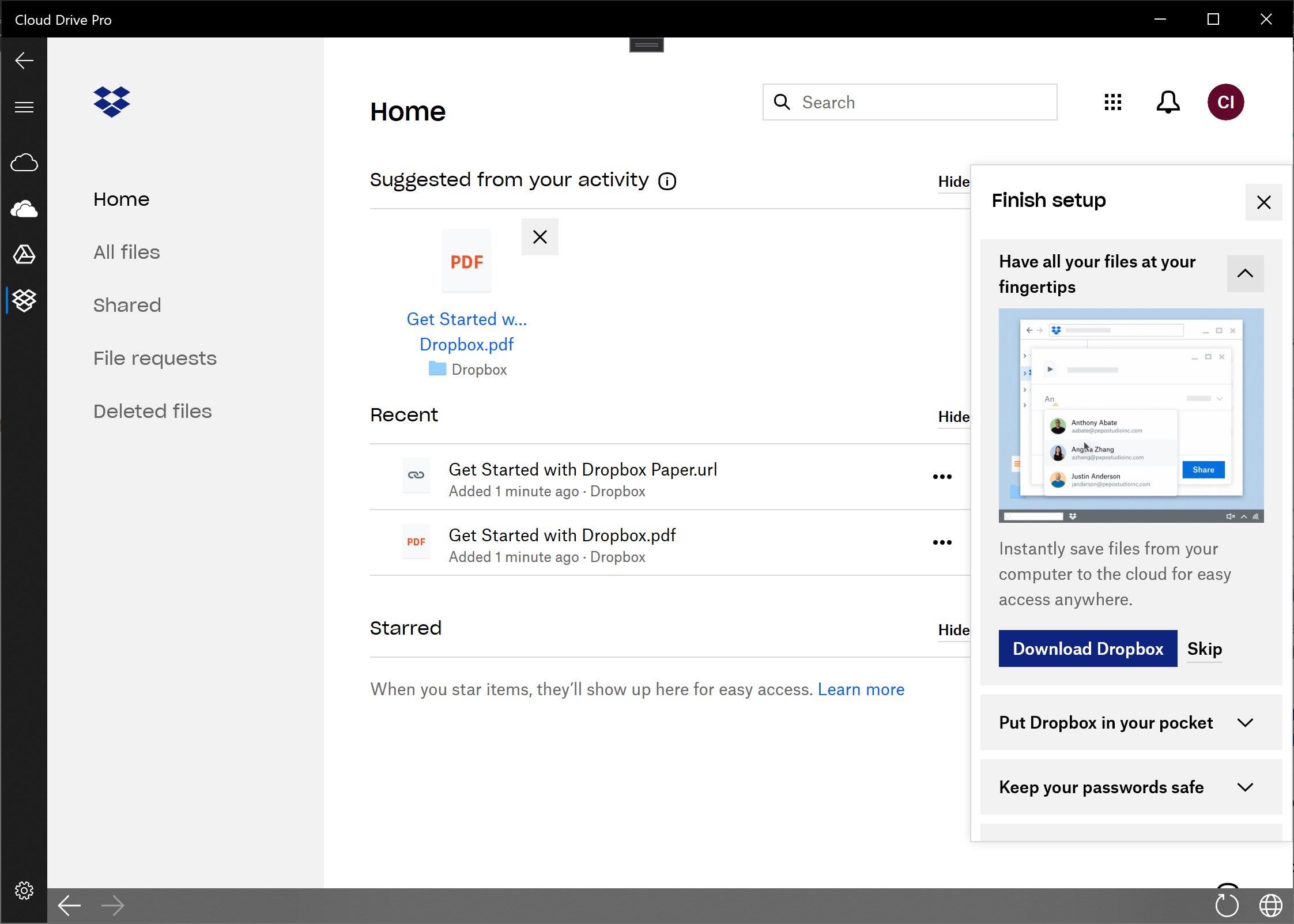
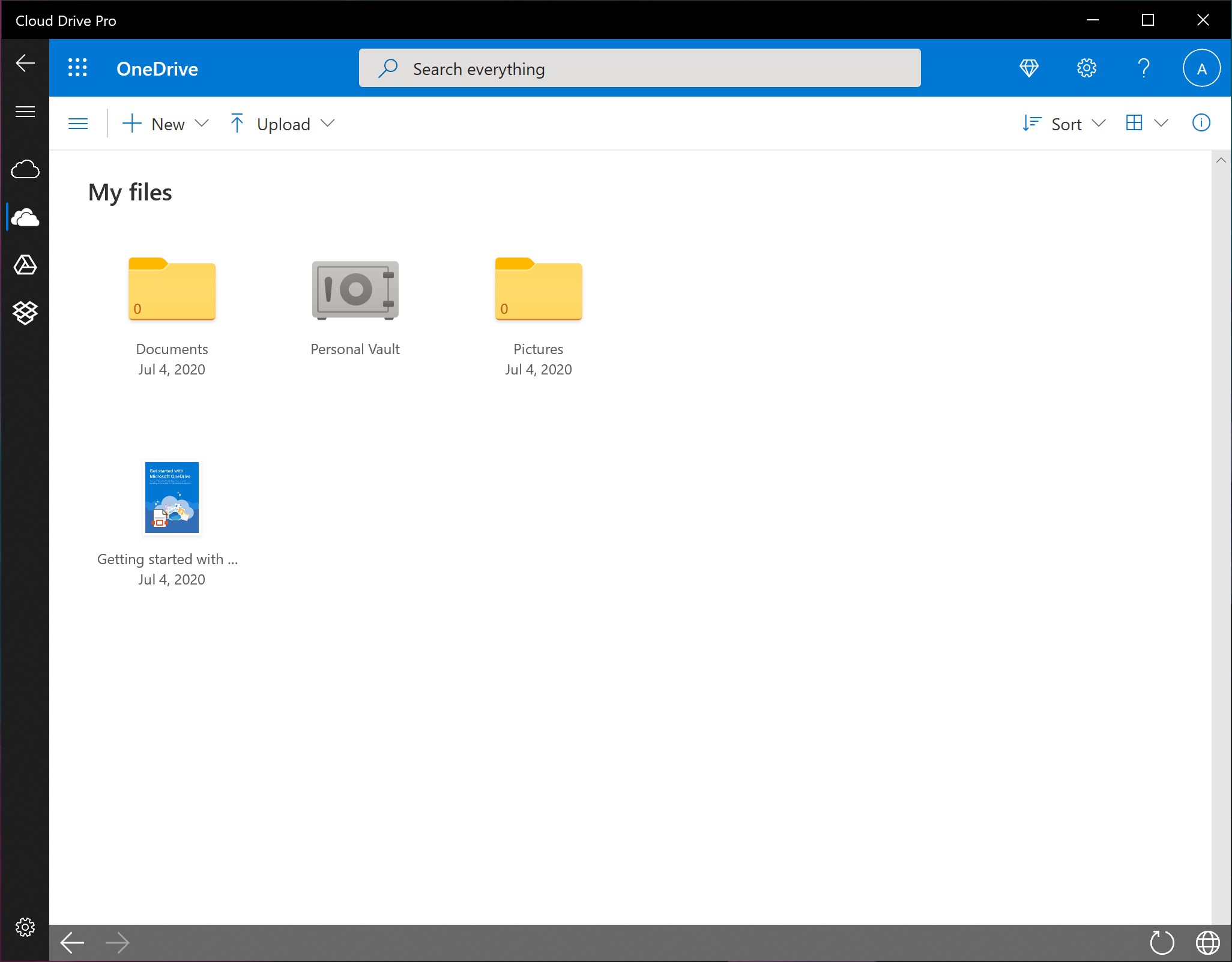
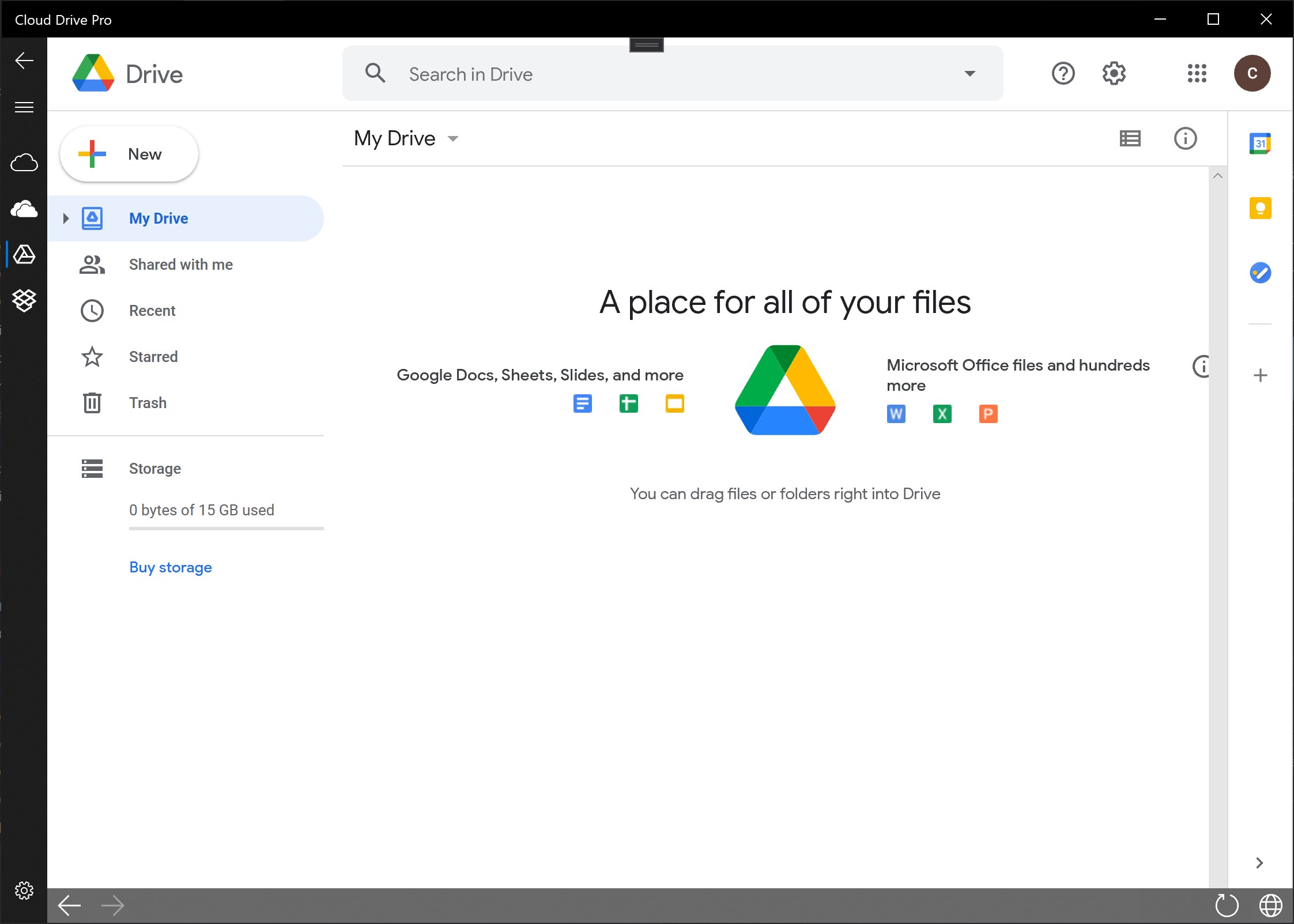
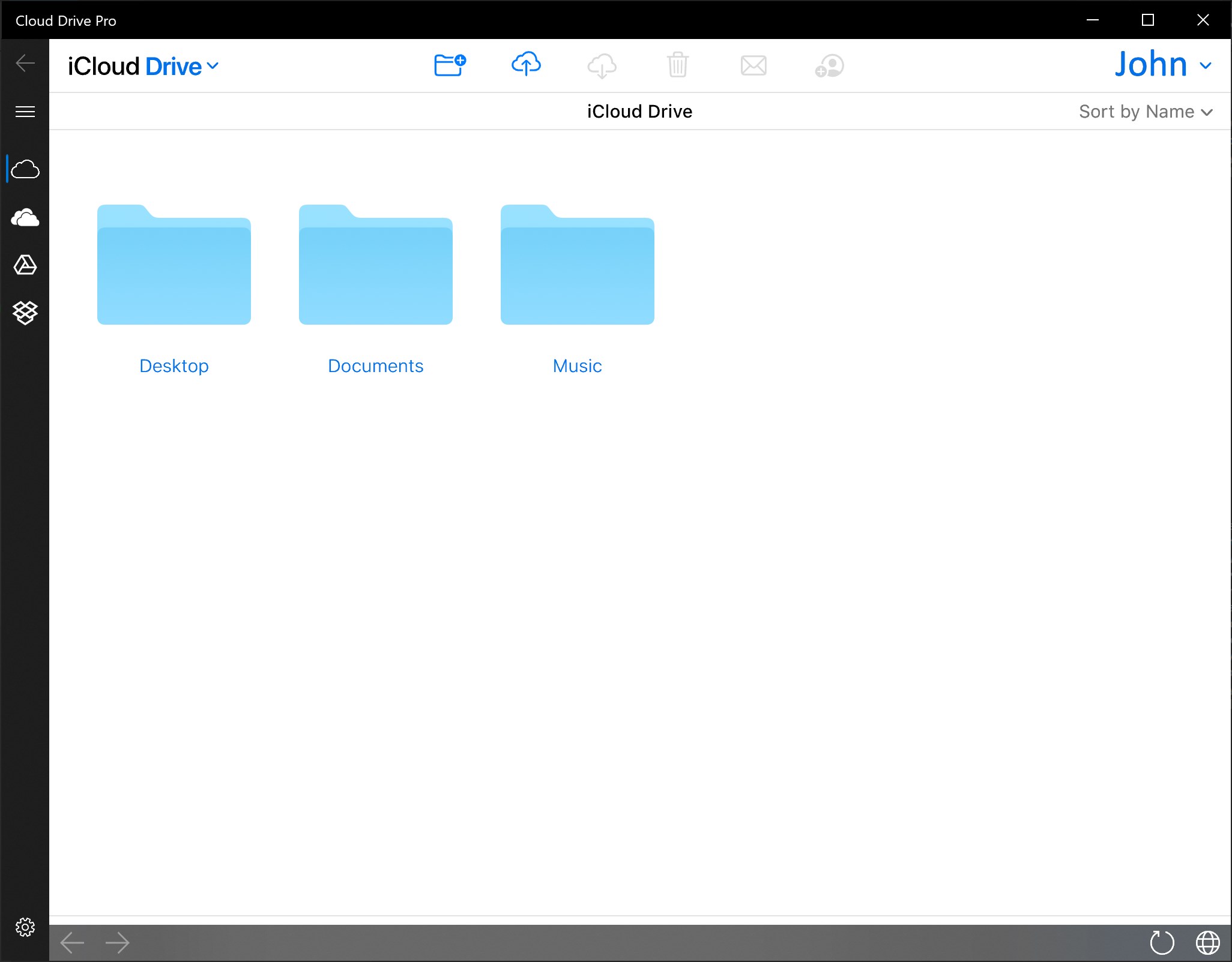
Managing files across multiple cloud platforms can quickly become a disorganized chore. Cloud Drive for Storage Service by Crity Inc is designed to solve this exact problem on Windows devices. Instead of bouncing between different browser tabs or native clients, this application acts as an integrated gateway, allowing you to access various cloud services from a single dashboard. Whether you use OneDrive, Google Drive, Dropbox, iCloud, or Amazon Cloud, this tool aims to streamline your digital workflow.
Who Benefits Most from This Cloud Manager?
This application is highly beneficial for professionals and power users who do not rely on a single ecosystem. If you keep personal photos on one service, work documents on another, and backups on a third, Cloud Drive for Storage Service provides a centralized control point. Because it is built for the Universal Windows Platform, it operates smoothly across a variety of hardware, including Windows PCs, Surface Hubs, Xbox consoles, and even HoloLens headsets, making it a versatile choice for users who switch devices frequently.
Core Features and File Operations
The application goes beyond simple viewing to offer a robust set of file management capabilities:
- Cross-Cloud File Transfer: Easily move and copy your files between different cloud storage providers without downloading them locally first.
- Comprehensive File Operations: Create, edit, save, rename, move, and delete folders and files directly within the unified interface.
- In-App Previews: View documents and media files instantly without needing to launch external software.
- Advanced Search: Find your files and folders quickly using the built-in search tool that scans by name and content.
- Maintained Security: The app respects and utilizes the native security protocols of your connected cloud providers, keeping your data secure.
Subscription Model and Requirements
While Cloud Drive for Storage Service is free to download and try, it operates on a subscription-based model to unlock its full potential. Users can access a 7-day free trial to test all premium features. Upgrading to the active subscription removes advertisements, eliminates file transfer speed caps, and lifts size limitations on uploads and downloads. Additionally, please note that the application requires the installation of the Microsoft Edge WebView2 Runtime extension, with an official setup link provided directly inside the app interface.
Final Verdict
For Windows users seeking to simplify their multi-cloud storage setup, this application provides an elegant, centralized solution. It bridges the gap between competing ecosystems, helping you regain control of your digital assets. To explore its capabilities and start your trial, visit the official Microsoft Store page to check out the app today.
Rate the App
User Reviews

Popular Apps










Editor's Choice


![[Premium] RPG Asdivine Dios](https://ujude.com/images/1762693794.webp)