

Latest Version
Pocket Bits LLC
Tools
Mac
$2.99
970246631
Report a Problem
More About Disk Cleaner - Free HD Space
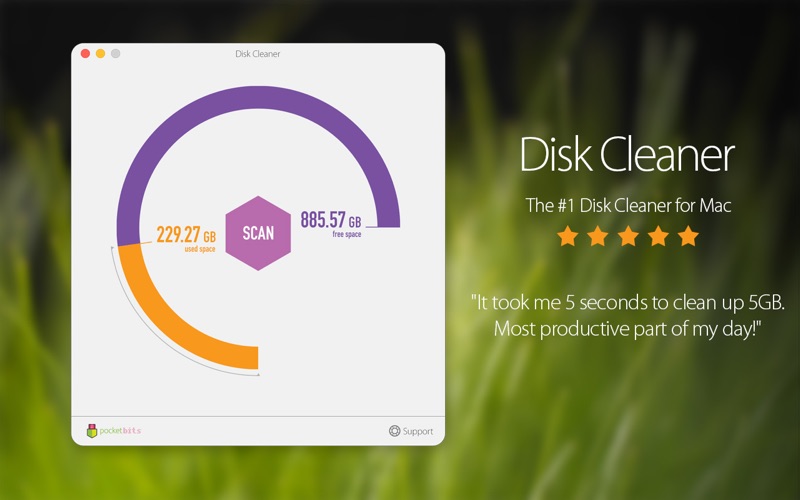
Running out of local storage is a common frustration for macOS users, but the Disk Cleaner - Free HD Space utility offers a swift, highly tailorable solution to reclaim your drive. Instead of manually hunting down buried system files, this application automates the detection of digital clutter, allowing you to restore performance and storage capacity in just a few clicks.
Reclaim Storage with Disk Cleaner - Free HD Space
Many system optimization tools operate like a closed box, deciding what to delete without giving you much say in the process. Disk Cleaner - Free HD Space stands out by combining automatic efficiency with deep user customization. You can configure the scanner to target specific areas of your system or exclude critical file types that you cannot afford to lose, ensuring you remain in complete control of your data.
Key Scanning and Cleanup Categories
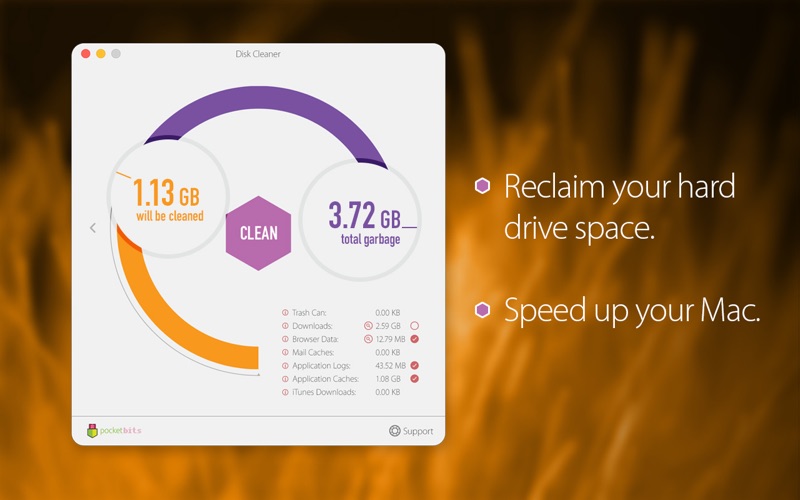
- Application Caches & Logs: Safely remove temporary files generated by active programs that are no longer required for daily operations.
- Browser Data & Mail Downloads: Clear out accumulated internet history, offline archives, and old attachments stored locally.
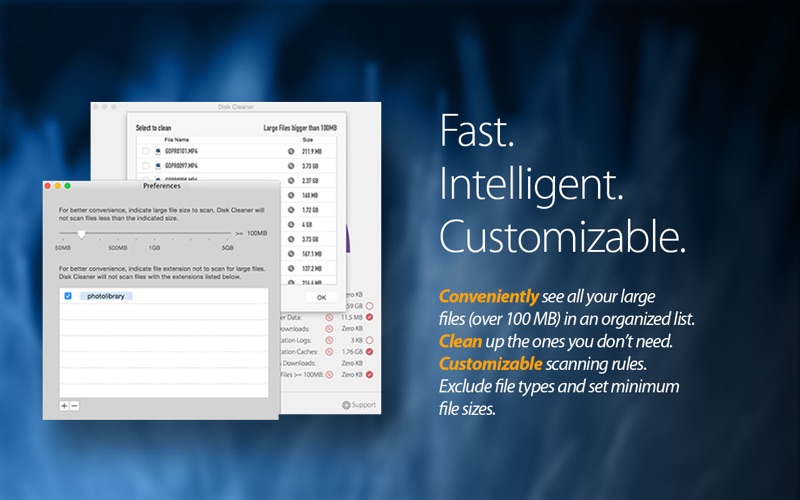
- Large File Detection: Run a deep scan to identify massive files (default set to over 100 MB, but fully customizable to any limit) that you might have forgotten about.
- Trash & Partial Downloads: Empty the system trash and purge incomplete iTunes or web downloads that waste space.
Tailored to Fit Your Workflow
What makes this tool particularly useful for creative professionals and developers is its advanced search filter preferences. If you work with large media assets, you can easily exclude specific file extensions like .psd, .zip, or .jpg from the scan. This prevents accidental deletion of important project files while still allowing the utility to sweep away genuine junk files from your system directories.
Is This Storage Utility Right for You?
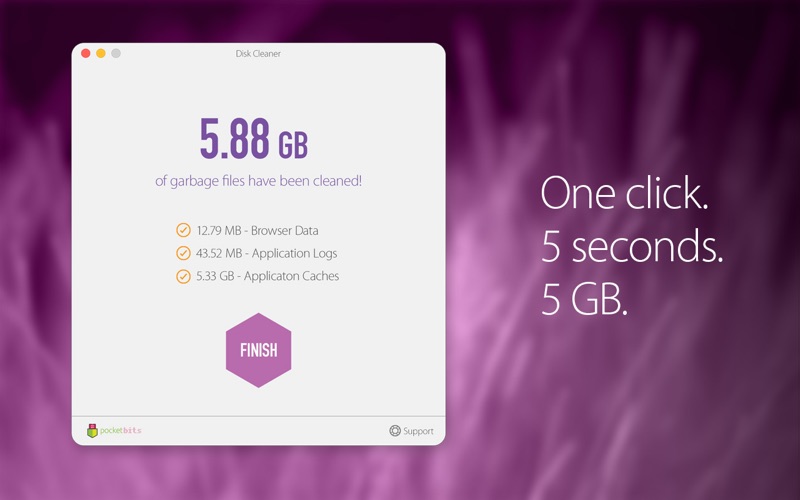
If you want a straightforward, reliable, and deeply customizable tool to keep your Mac running lean, this utility from Pocket Bits LLC is an excellent candidate. It bypasses complicated menus in favor of a clean, one-click interface that yields immediate results.
Ready to tidy up your hard drive? You can learn more and purchase the application directly by visiting the official Mac App Store.
Rate the App
User Reviews















Popular Apps










Editor's Choice


![[Premium] RPG Asdivine Dios](https://ujude.com/images/1762693794.webp)